Get everything out of barValid.
Every guide walks you through one task step by step — in plain language, with pictures and without jargon. No prior knowledge required: if you can use your phone, you can follow along.
All tutorials
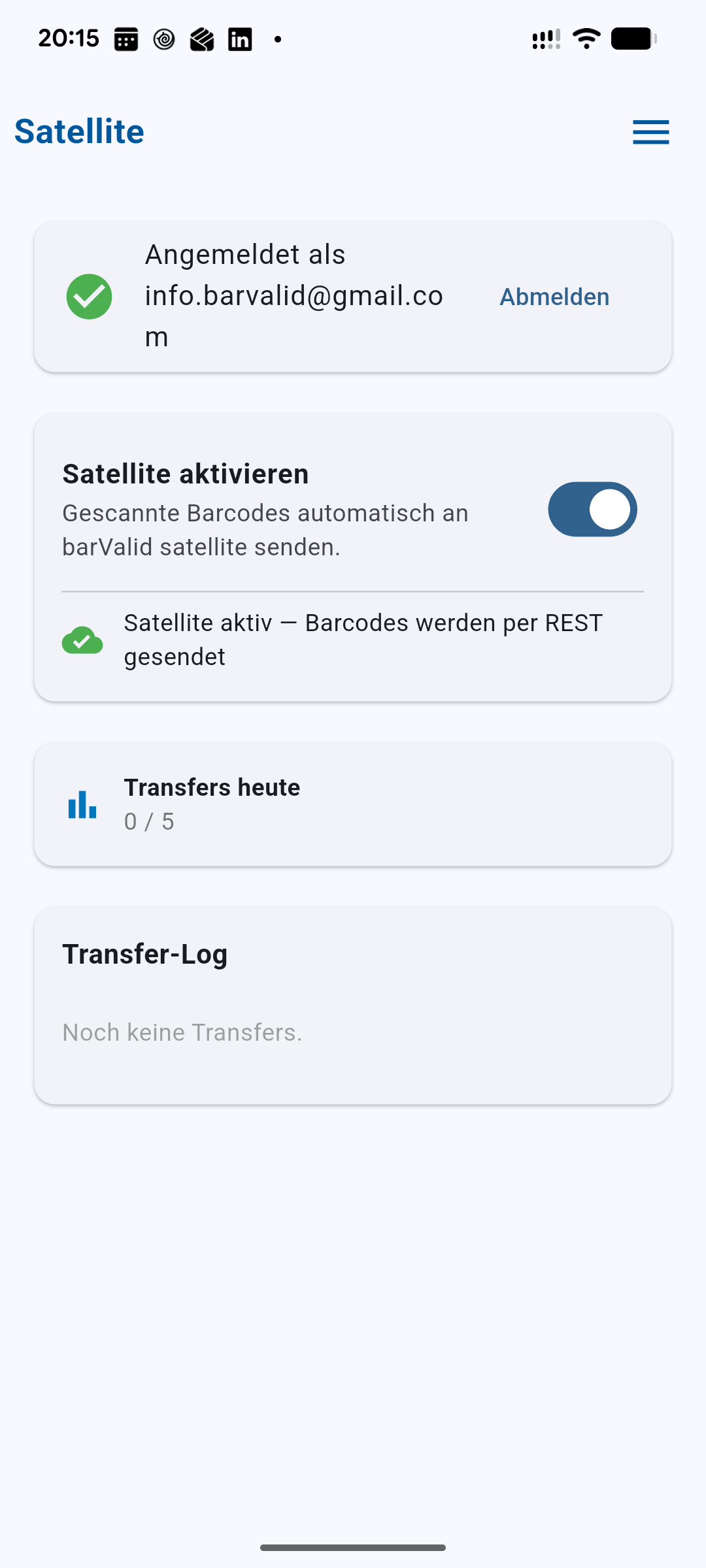
Send a barcode to your PC
Scan with your phone and the barcode lands on your Windows PC — in a file, on the clipboard or straight into Excel.
Open tutorial →Create an account and sign in
Set up a free barValid account — the prerequisite for Satellite and for devices on a volume license.
Open tutorial →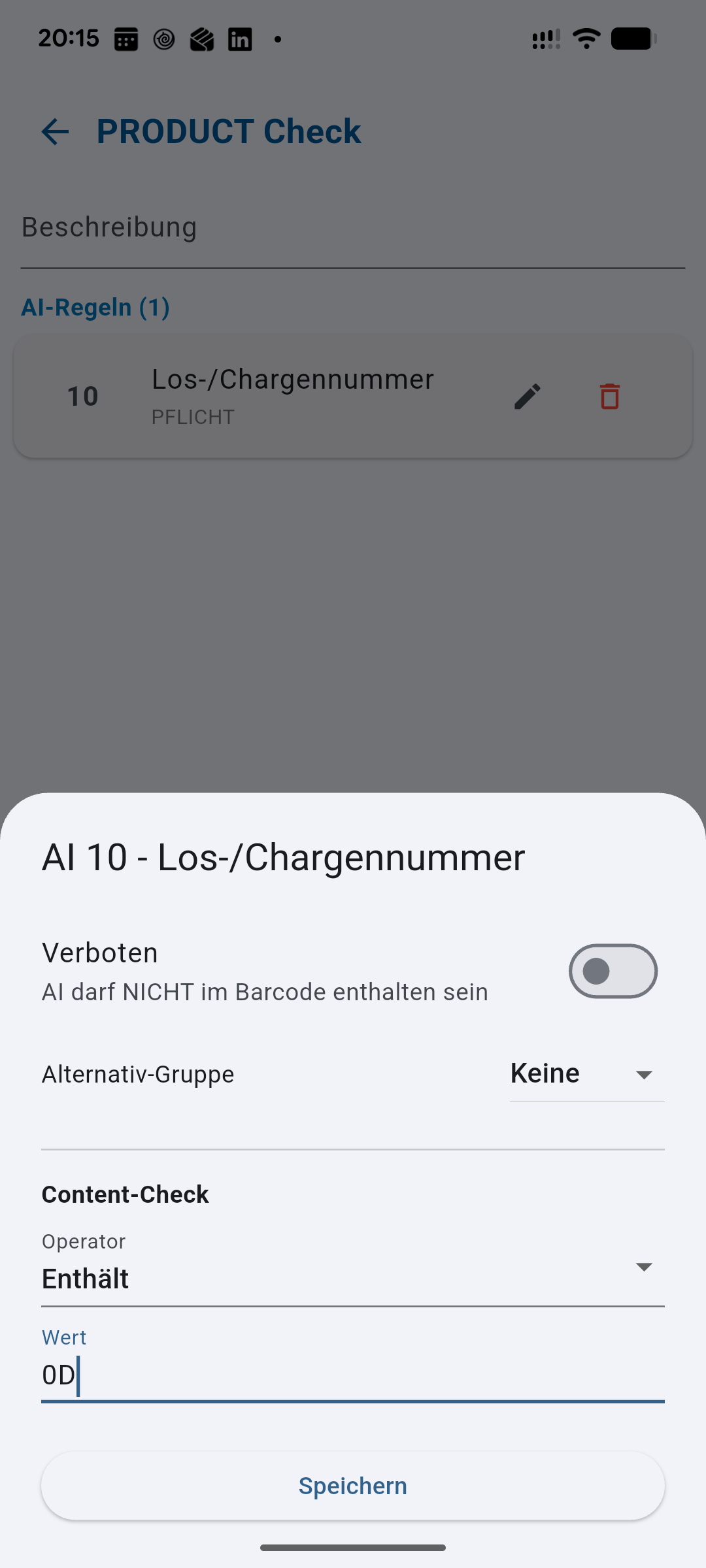
Create your own code structure
Define which Application Identifiers a barcode must contain — barValid checks every scan against it automatically.
Open tutorial →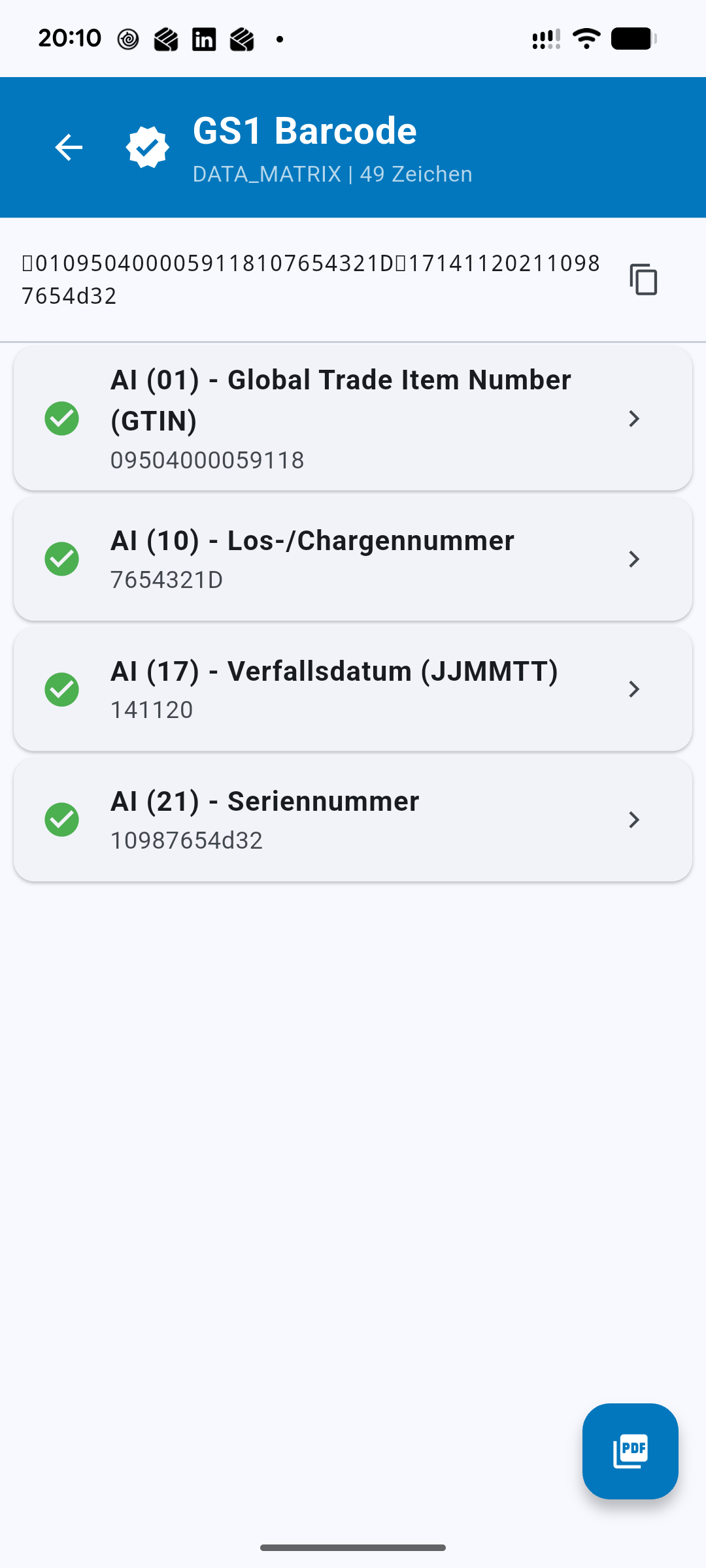
Check the content of a barcode
Go beyond the structure and check the content: is the expiry date far enough out? Is the GTIN the one you expect?
Open tutorial →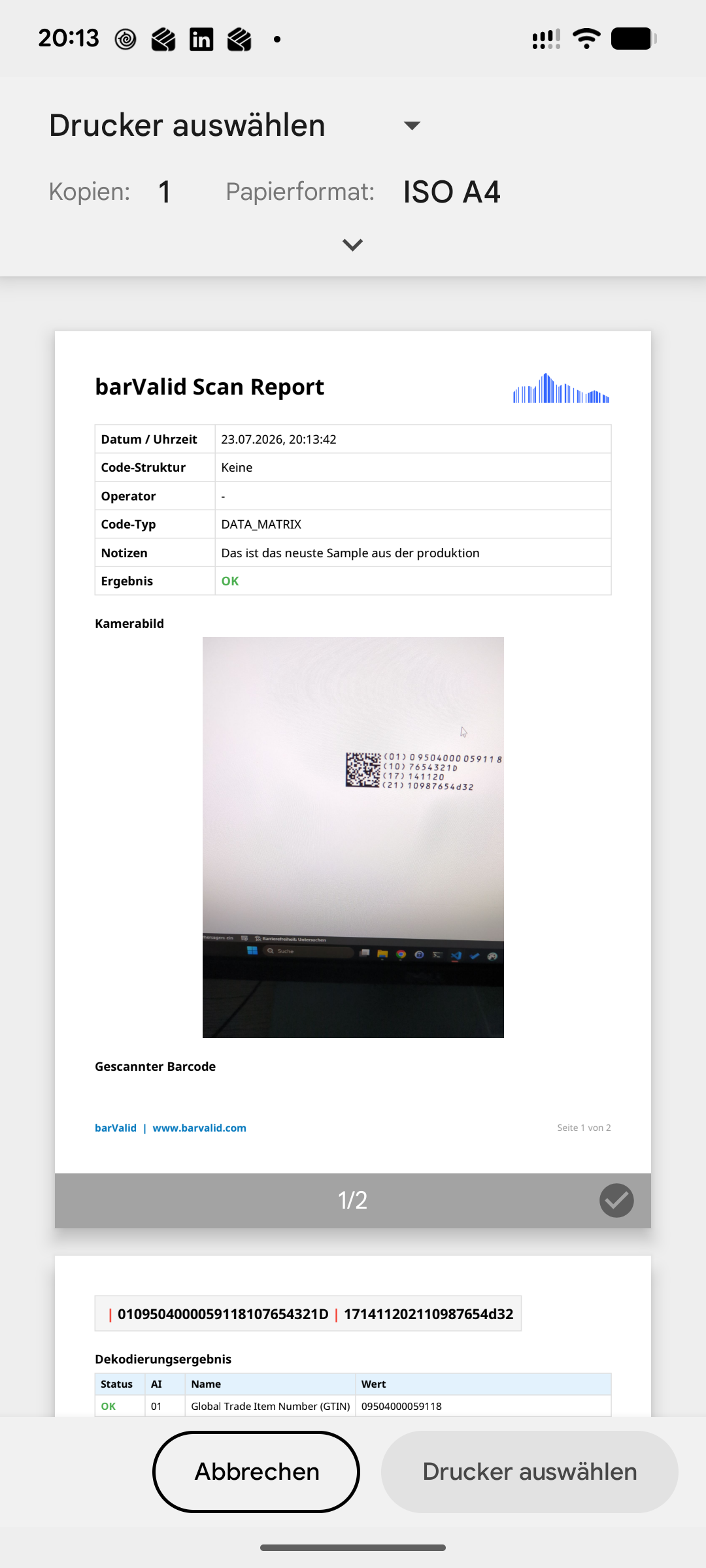
Create a PDF report
Turn any scan into an auditable PDF — with the camera image, the validation result and your notes.
Open tutorial →Activate a volume license and use the dashboard
Enter your license key on multiple devices and follow every scan in the web dashboard.
Open tutorial →A question none of these answer?
Tell us where you got stuck — we answer personally and turn recurring questions into new tutorials.